
Search from Anywhere and Workspace Settings, Rebuilt
All releasesSearch from the top bar, a new audit log, a refreshed dark theme, and rebuilt workspace settings: members for teams of any size, statuses grouped by stage, a page for each integration and API keys at a glance. Plus Elean in Claude's connector directory.
New
-
Search from the top bar: Click the search field at the top of any page and start typing to find tasks by title, description or ID, like ELEA-12, across every project you’re a member of, and projects by name. Before you type, it shows the tasks and projects you opened recently.
-
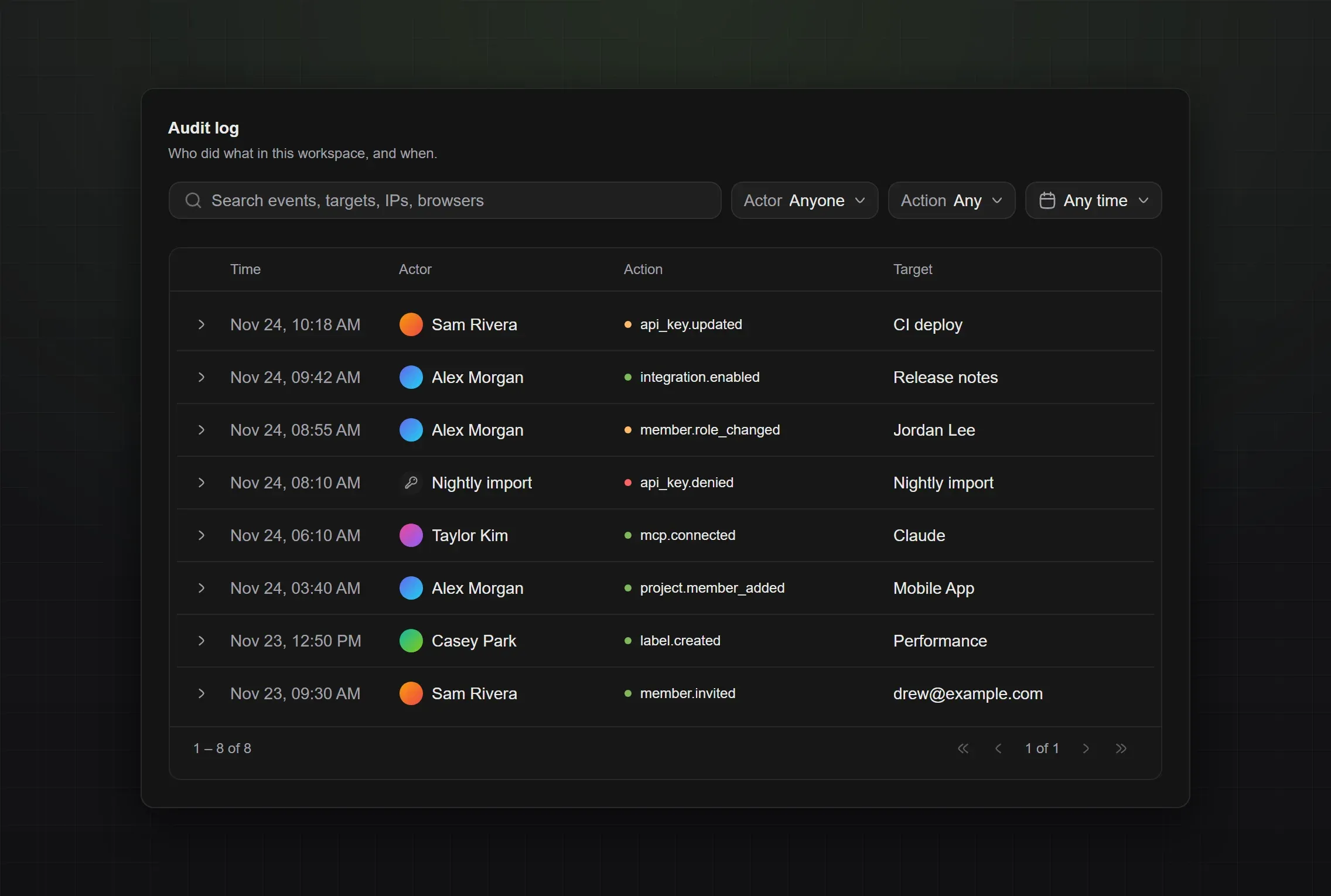
A new audit log: Changes to your workspace are recorded with who made it, from which IP address and browser, and what exactly changed, including API keys, integrations, AI agent connections, roles and project access. Open an event to see the old and new values, or the full event to copy. Filter by person, action and date, or search by name, IP address or browser, and share a filtered view with its link. Available on Pro and Business.
-
Elean in Claude’s connector directory: Connect Claude to Elean in a few clicks from Claude’s connector directory. Claude can then read your projects and create and update tasks for you, once AI agent connections are turned on in Workspace Settings → Security.
Improved
-
Ctrl K takes you to search: The Ctrl K menu (⌘K on Mac) is replaced by the new search field, and the shortcut now puts your cursor straight in it. Use the arrow keys and Enter to open a result, or Ctrl Enter to open it in a new tab.
-
A refreshed dark theme: Elean now uses neutral greys, so fields, buttons and menus stand out more clearly from the cards around them. In Chrome, scrollbars no longer cover the content next to them.
-
Reorganized workspace settings: Settings are grouped into Workspace, People, Workflow, Developers and Security, and look and work the same way as project settings, with a little more room on every page. Your workspace name and description and every switch on the Security page save the moment you change them, and General shows your workspace’s URL, ID, owner and plan at a glance.
-
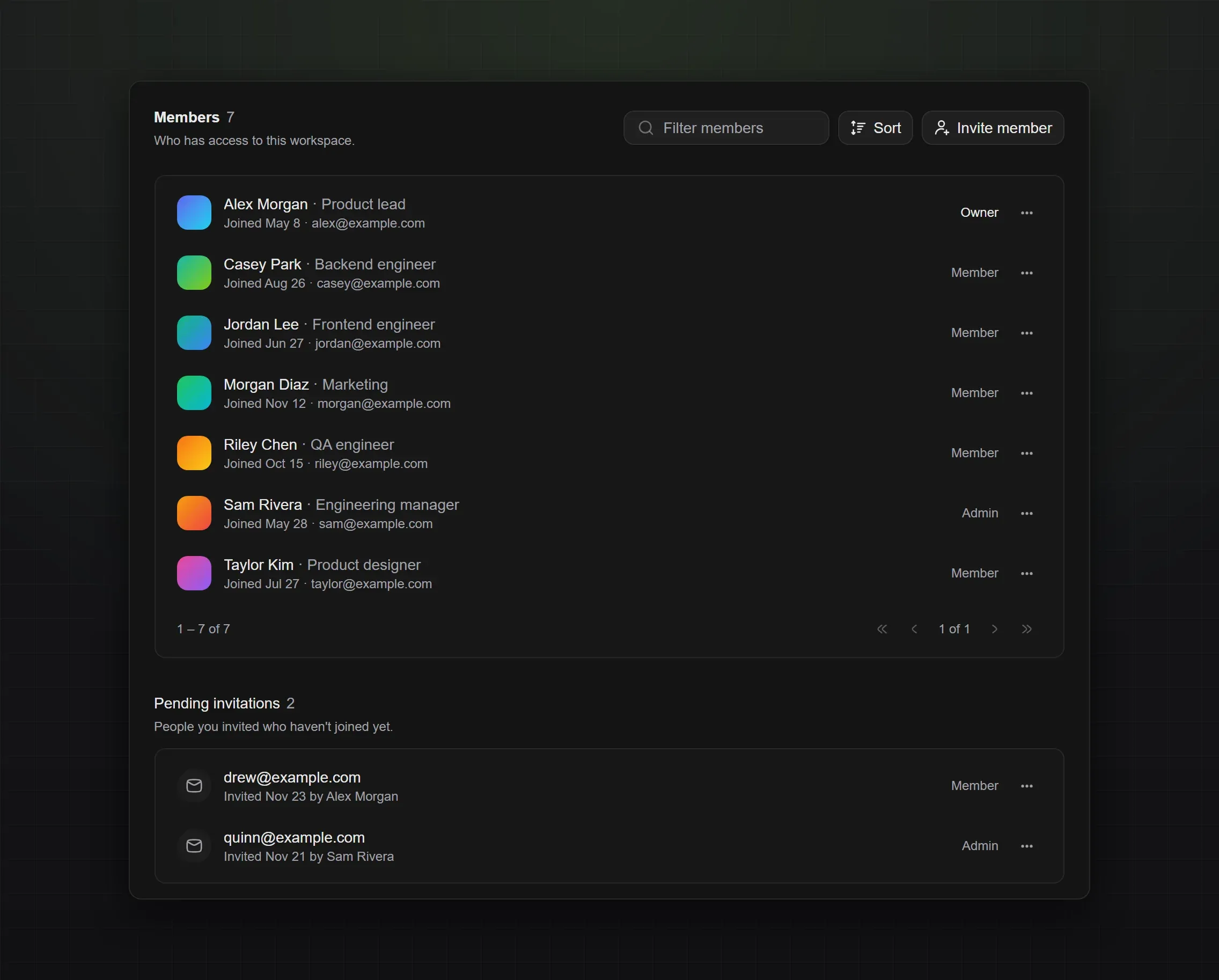
Members for teams of any size: Search everyone in your workspace, sort by name or by who joined most recently, and see each person’s job title next to their name. Change someone’s role or remove them from their menu, and removing someone now asks first.
-
Pending invitations in one place: Invitations that haven’t been accepted yet are listed below your members, with who sent them and when, and you can revoke one from there. Invite someone right from the bottom of the members list.
-
Labels for teams with lots of them: Filter your labels by name, edit or add one right in the list, and choose which projects a label belongs to from a searchable list.
-
Roles and permissions: Every role opens on its own page, so refreshing or going back keeps you on it. Each permission has a short description and saves the moment you switch it on or off, and the whole section is now available in Polish.
-
Workspace statuses grouped by stage: The statuses every new project starts with are grouped into To Do, In Progress and Done, the same way as in project settings. Drag a status to reorder it or move it to another stage, and edit or add one right in the list.
-
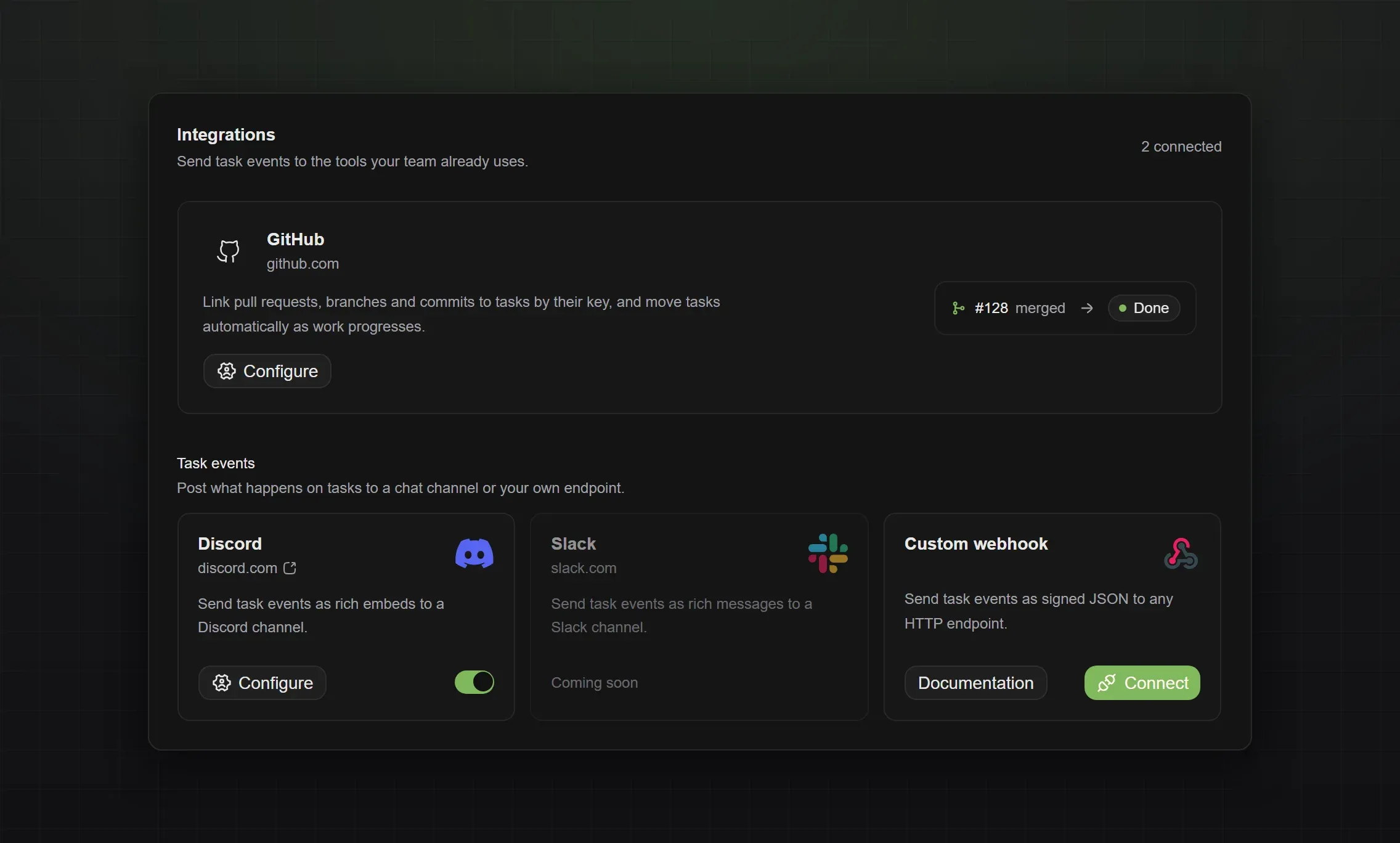
Integrations, one page each: Each integration opens on its own page with all of its connections. Edit a connection right in the list, pick its task events in groups like Changes and Comments, and open its delivery history to see what was sent and what failed. If turning a connection on or off doesn’t go through, you now see an error.
-
API keys at a glance: Your keys are listed with their project, access, expiry date and when they were last used, and expired keys have a list of their own. Open a key to see how many requests it made this month and in total. New keys can expire after 30 days, 90 days, a year or on a date you pick, and you copy the key right where you created it. Every API response now also tells you how many requests are left and when the limit resets.
-
Rejected API requests in the audit log: When a request is turned away because its key was revoked, disabled or expired, is missing a permission or hit the rate limit, the audit log shows it, at most once per key per hour.
Fixed
- Subtask cards fit the board: When subtasks are shown as separate cards, a long parent title no longer pushes the card past the edge of its column. The title is shortened instead, and you can hover over it to read it in full.
- Subtasks show up in their cycle: Subtasks you add to a cycle now appear on the cycle page with their parent task named next to them, so the list matches the cycle’s task count.