Project Settings, Rebuilt
All releasesFavorite projects in the sidebar, newest or oldest first on every task, and reorganized project settings: drag statuses between stages, changes that save as you go, members for teams of any size, and GitHub automation you can read at a glance.
New
-
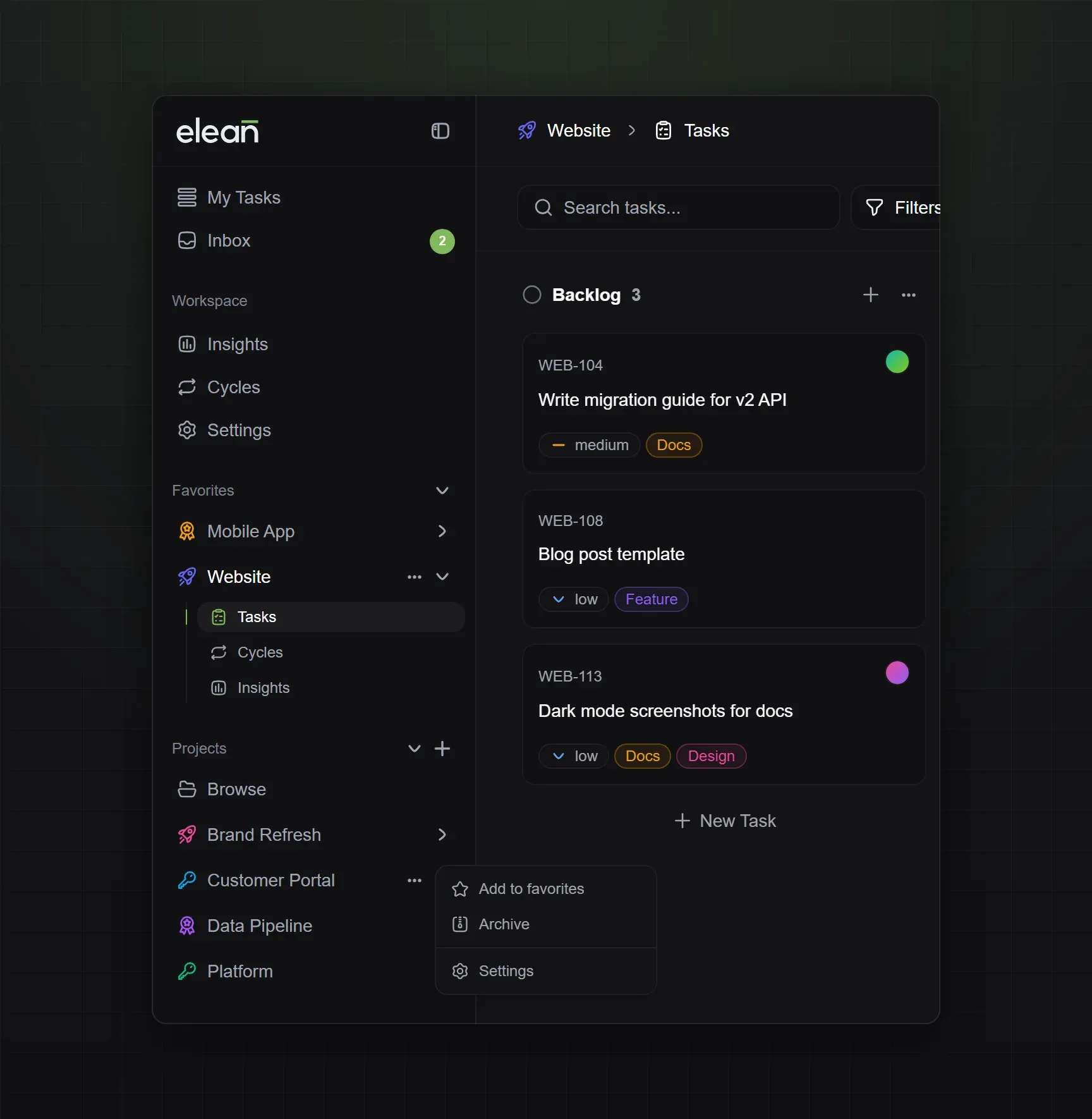
Favorite projects: Choose Add to favorites from a project’s menu in the sidebar, and it moves to a Favorites section at the top. Projects in both lists are sorted alphabetically, so the ones you work in every day are always easy to find.
-
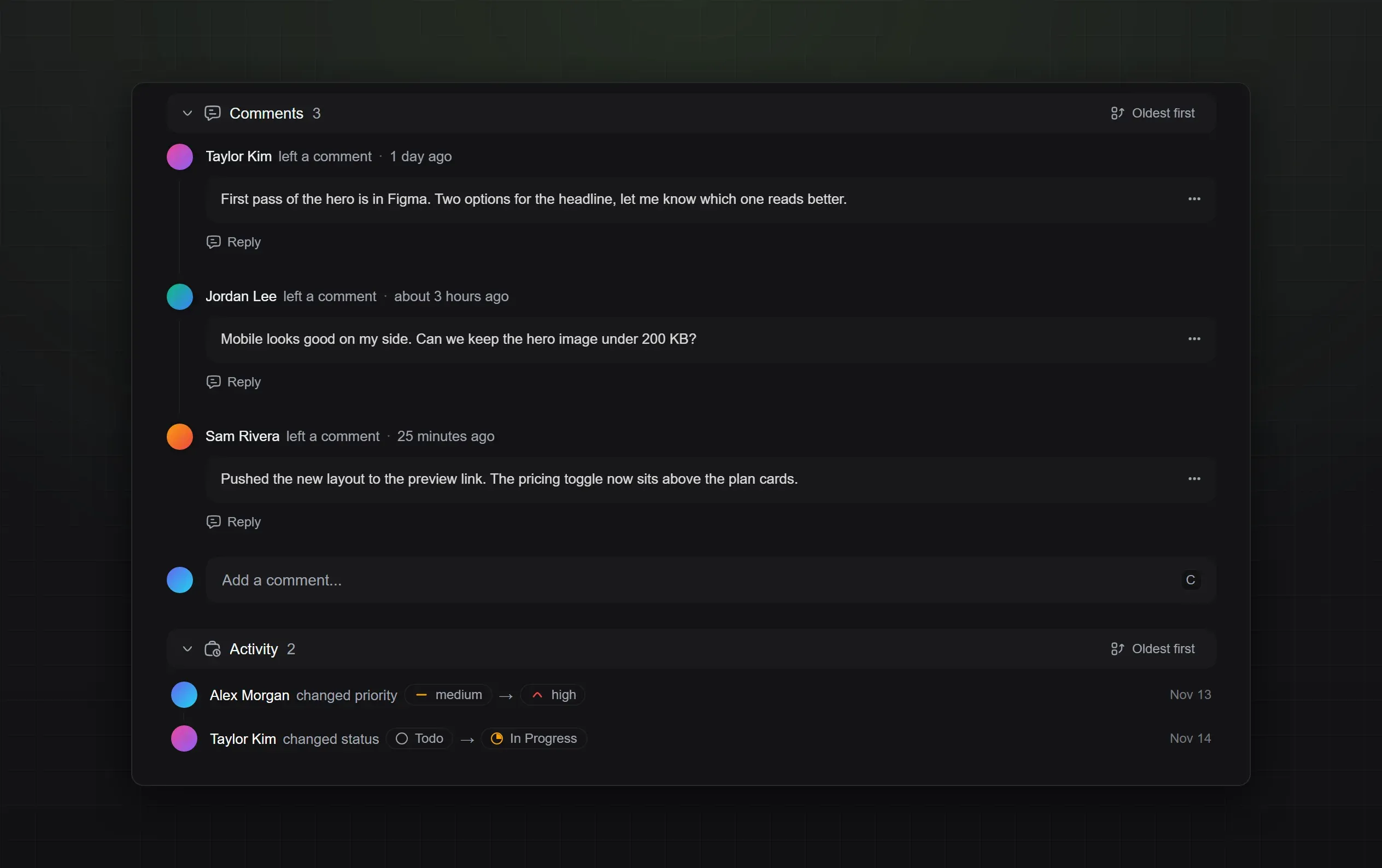
Newest or oldest first: Pick the order of comments and activity on a task with the toggle next to their headers. Your choice applies to every task and follows you to your other devices. With oldest first, the comment box sits below the conversation.
-
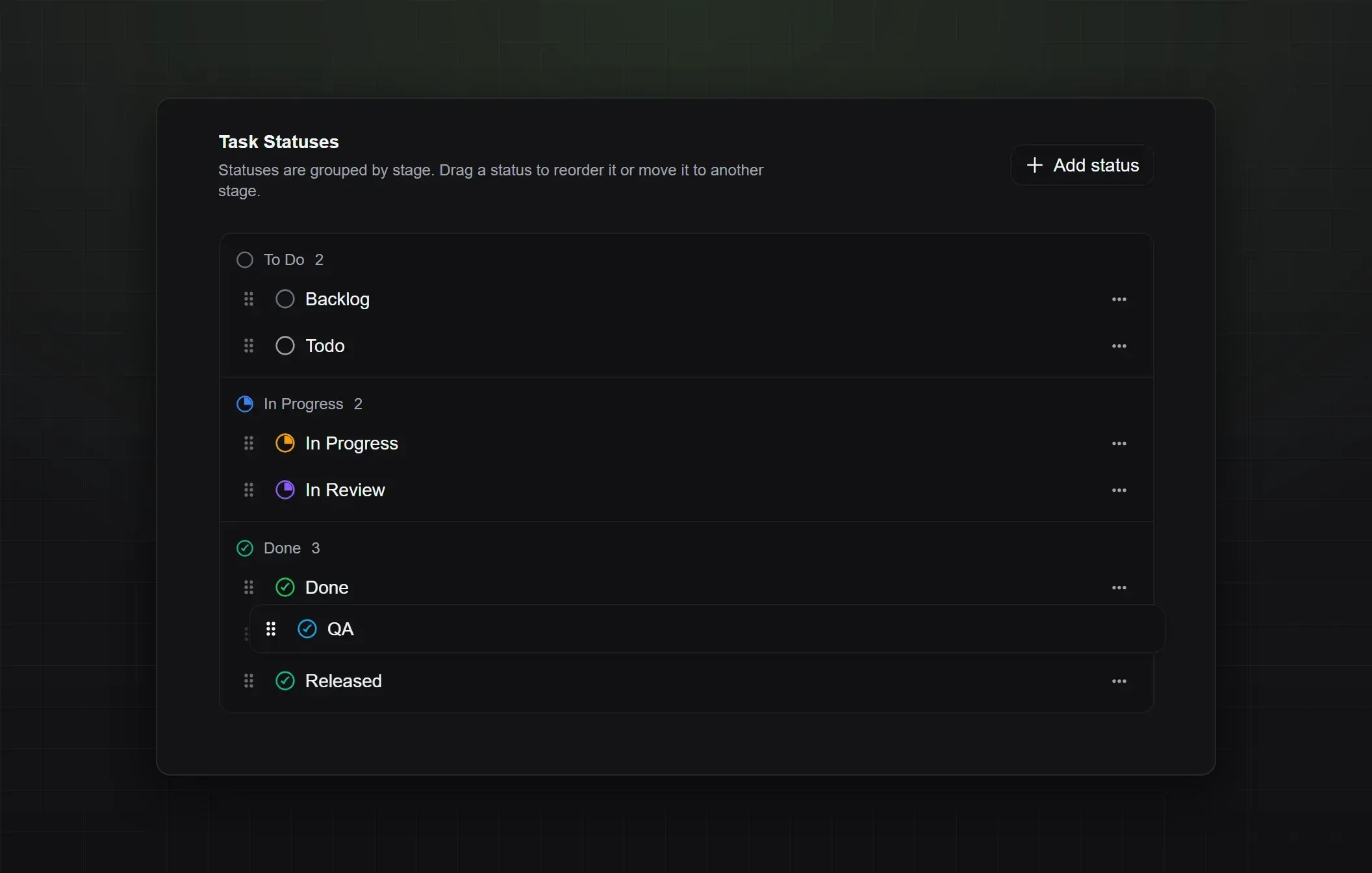
Drag statuses between stages: Your project’s statuses are grouped into To Do, In Progress and Done. Drag a status to change its order or move it to another stage, and your board follows. Moving a status into or out of Done asks first, because its tasks are marked completed or reopened.
Improved
-
Reorganized project settings: Settings are grouped into Project, Workflow and Danger, and every page looks and works the same way. Visibility and the public roadmap now have their own Access page instead of sitting next to delete.
-
Changes save as you go: On the General page, each field saves on its own and shows when it’s saved. Press Escape to undo an edit.
-
Members for teams of any size: Filter project members, sort them by name or by when they joined, and page through them 20 at a time. Add and remove people from the same list, and Add Member searches your whole workspace as you type, however large your team is.
-
Project leads join their project: The lead you pick when creating a project is added to it right away, so they can open it and manage it from day one.
-
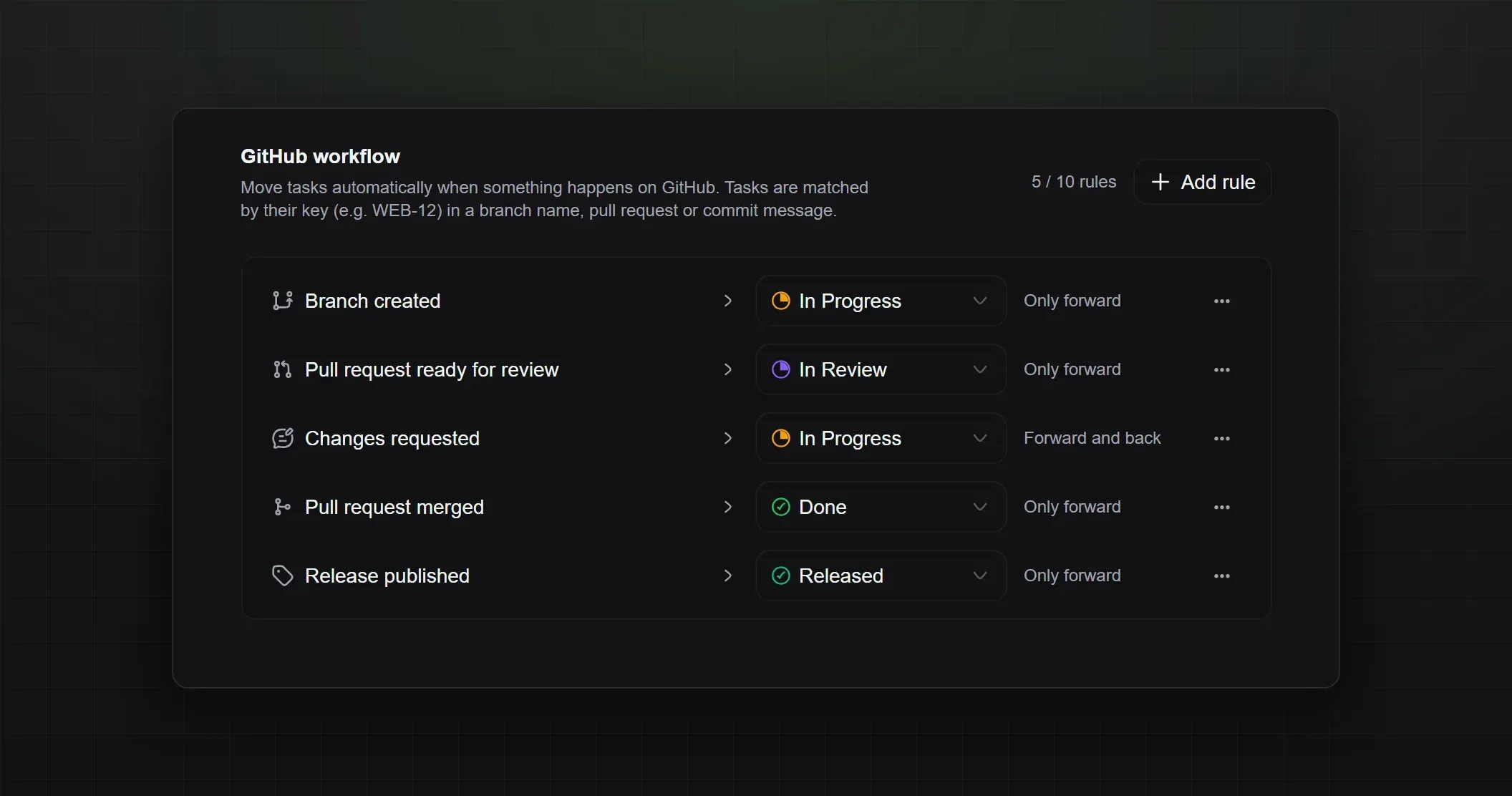
GitHub automation at a glance: Each rule shows what happens on GitHub and which status the task moves to, and you can change the status right in the list. Add rules from a short builder, or start from the recommended setup.