Quality of Life
All releasesArchive and restore tasks, a right-click menu on every task, a forecast on the cycle burn-up, project access that updates live, and fixes for the rough edges you've reported.
New
-
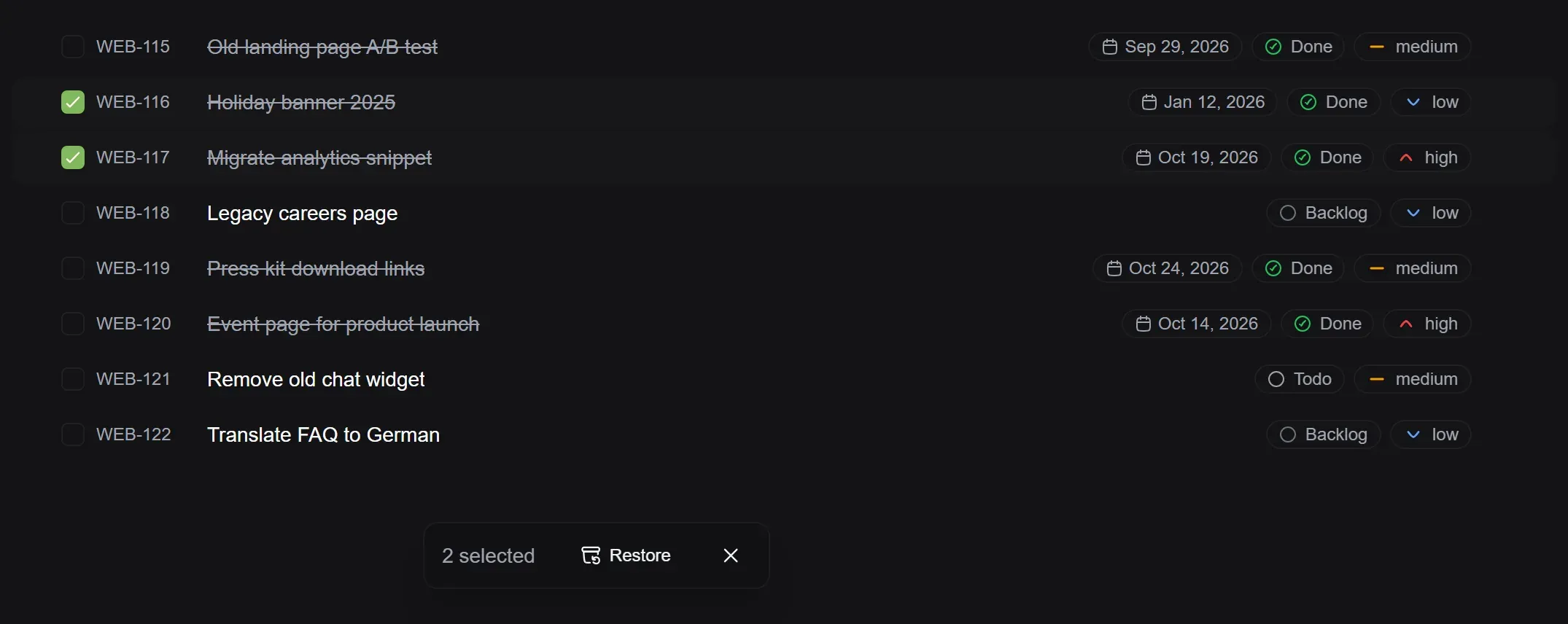
Archive and restore tasks: Archive a task yourself from its menu or from the list, and bring it back from the project archive, which now shows tasks the same way as the list view.
-
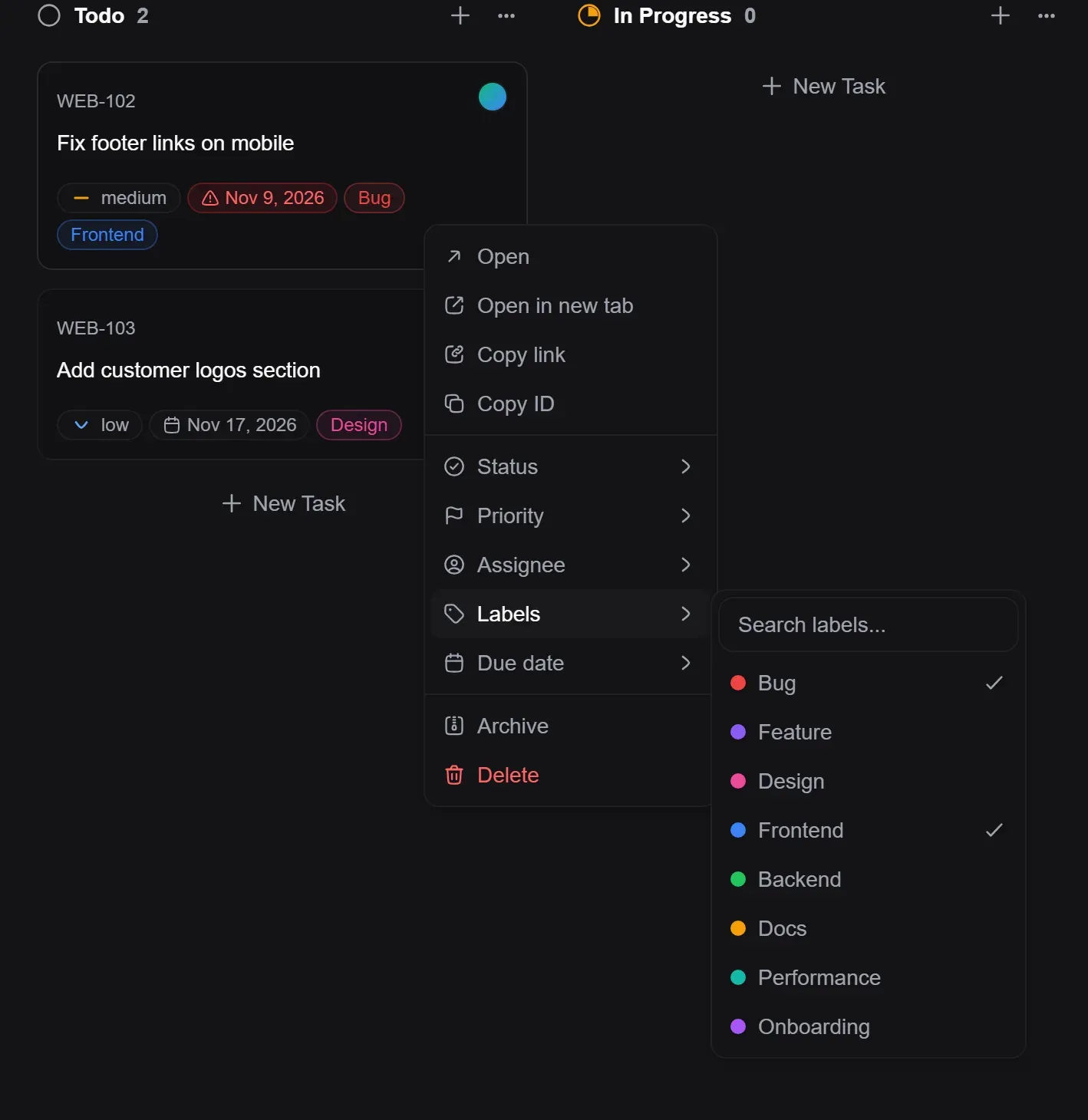
Right-click menu on tasks: Right-click any task in a list or on the board to open it, copy its link, change its status, priority, assignees, labels or due date, archive it or delete it, without opening the task first.
Improved
-
More precise error messages: Across the app, a failed action now shows the specific reason, such as a name that’s already taken or a plan limit you’ve reached.
-
Iris tells you when the limit resets: When you reach your Iris AI limit, you now see the limit and when you can use it again.
-
Smoother Iris rewrites: When Iris rewrites a description, or you undo it, the new text fades into place and the page below glides instead of jumping.
-
Lighter profile photos: Profile photos are resized and converted to a lighter format when you upload them, so avatars load faster everywhere.
-
Your plan stays active during the grace period: If a payment fails, your workspace keeps every feature of its plan for the 7-day grace period.
-
Faster downgrades: Moving a paused workspace to Free restores access right away. Features above the new plan pause instead of disappearing, and come back with your settings when you upgrade.
-
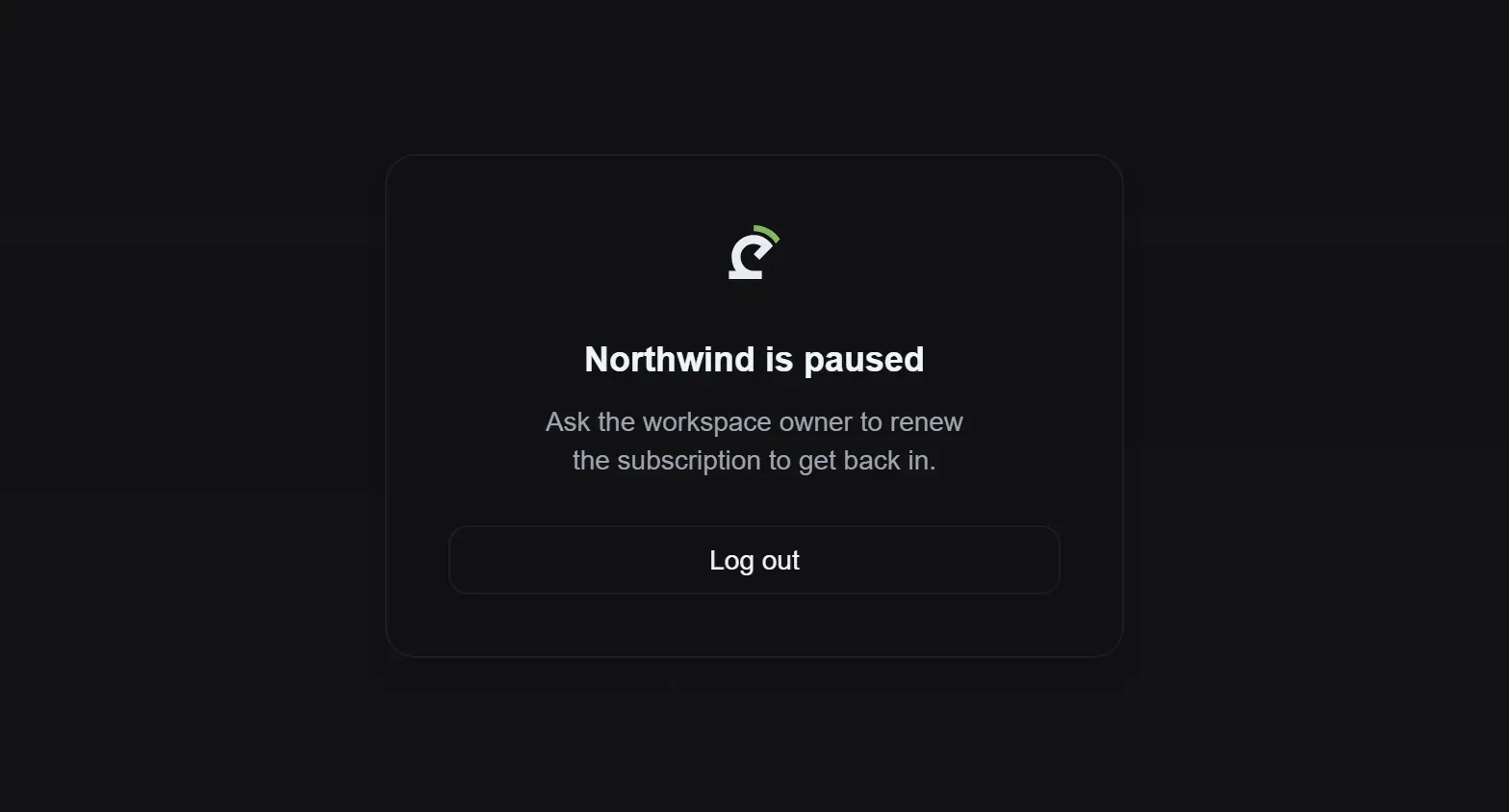
Paused workspace screen: Members of a paused workspace see a clear message about what’s happening and who can restore access.
-
More accurate search: Task search now looks only at the text you see in a task’s title and description, and ignores capitalization and accents, so results are what you’d expect.
-
Tidier number fields: Number fields in settings now all have the same − and + buttons, stay within their limits, and ignore anything that isn’t a number.
-
Consistent icons: Every icon in the app now shares the same style and line weight, so menus, toolbars and task properties look even and line up cleanly.
-
Project access updates live: When someone adds you to a project, it shows up in your sidebar right away. If you’re removed from a private project, it disappears and you’re taken back to your projects, without a refresh.
-
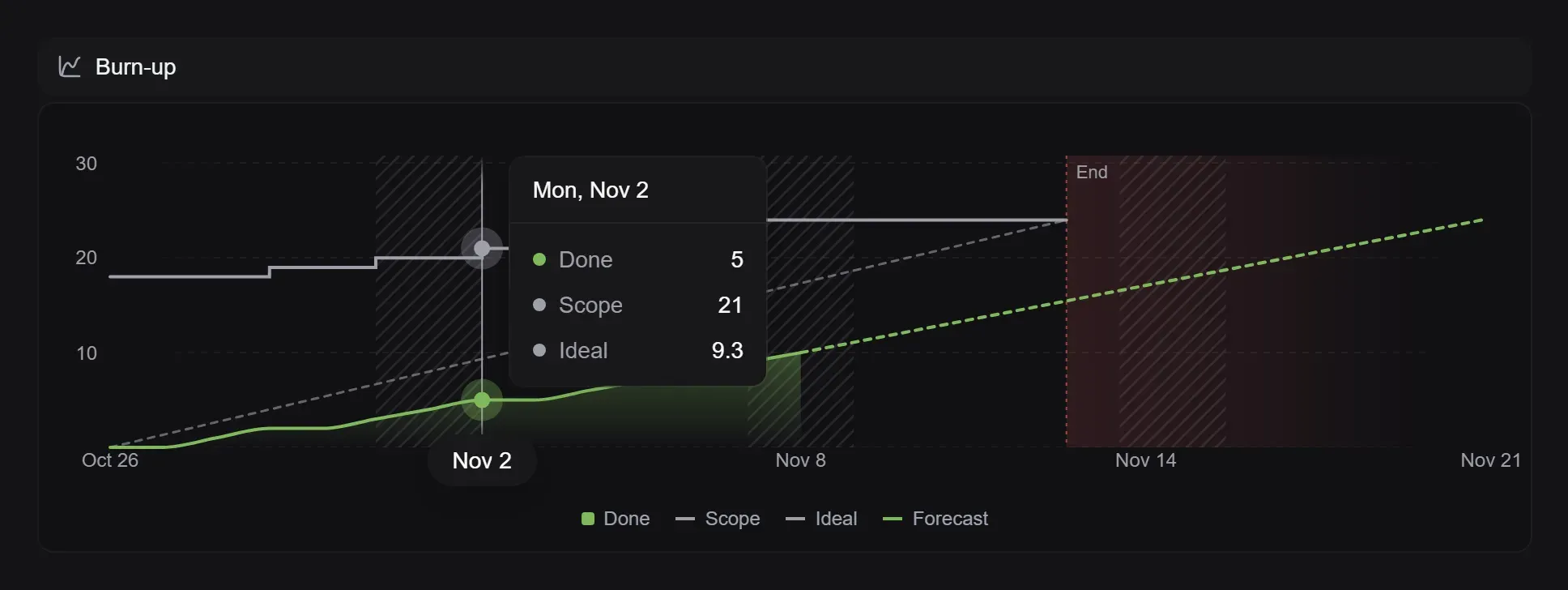
Forecast on the cycle burn-up: The cycle burn-up now draws your current pace forward to the day the work will be done, and marks the time past the cycle’s end when you’re running late. All Insights charts share the same look and tooltips.
Fixed
-
Special characters in file names: Attachment names with accented or non-Latin characters, in any language, are now saved exactly as written.
-
Downloads keep their name: Files that download instead of opening in the viewer now save under their original name.
-
Error handling in settings: Profile, notification and workspace settings show the reason when changes can’t be saved, and keep your edits so you can try again.
-
Your plan, for everyone on the team: Members without access to billing now see exactly what your plan includes, such as multiple assignees, project limits, roles and GitHub automation.
-
Live updates everywhere you open a task: A task opened from My Tasks or a cycle now updates as teammates edit it, comment, reply or link subtasks, without a refresh.
-
Better Discord messages: Discord notifications now show mentions, checklists, nested lists and tables properly.
-
Accented letters in links: Project and workspace links, project keys and suggested branch names now keep letters like ą, é or ß as their plain version instead of turning them into dashes.
-
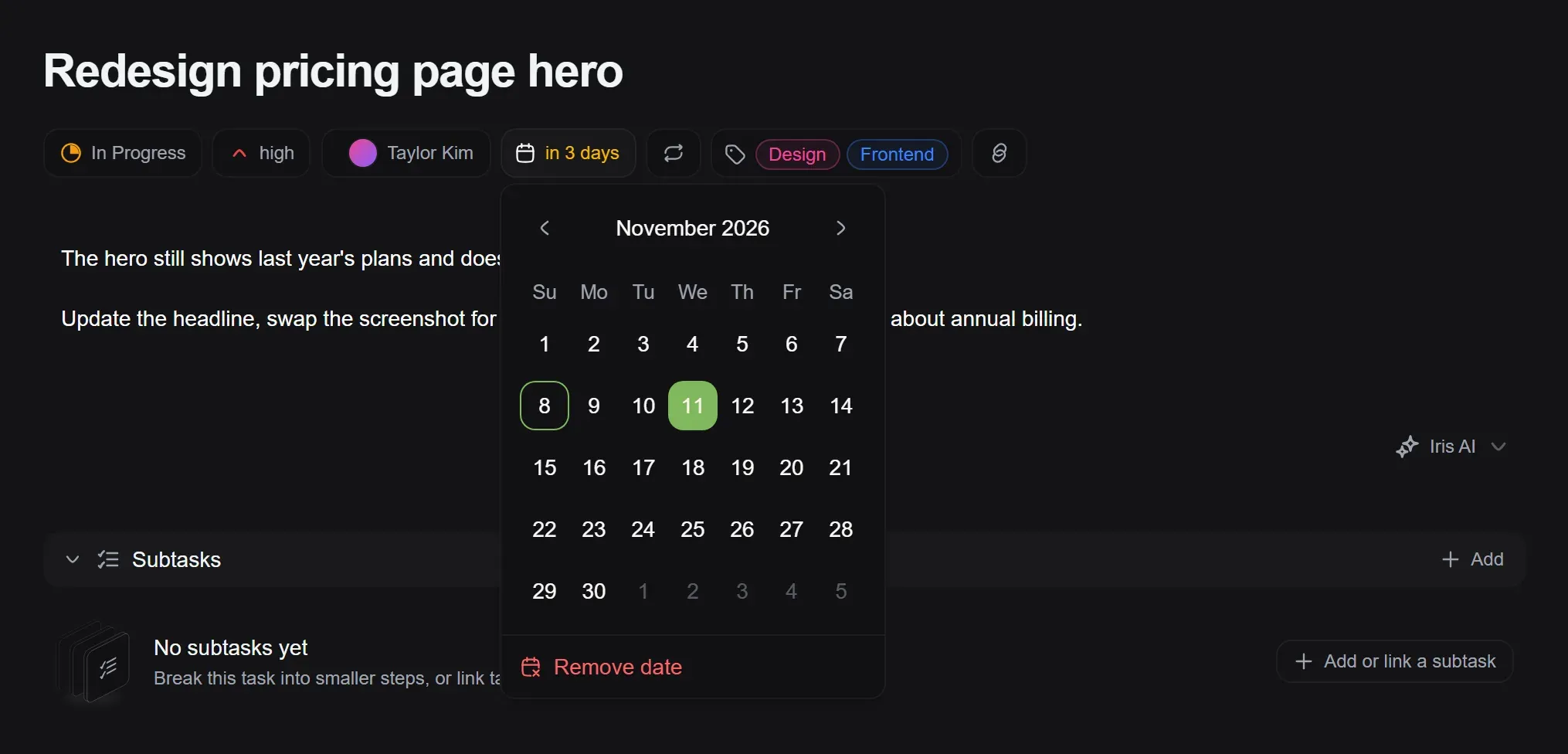
Clearer date pickers: Calendars now mark today and the date you picked, open on the selected month, follow your app language, and make removing a date easy to find.