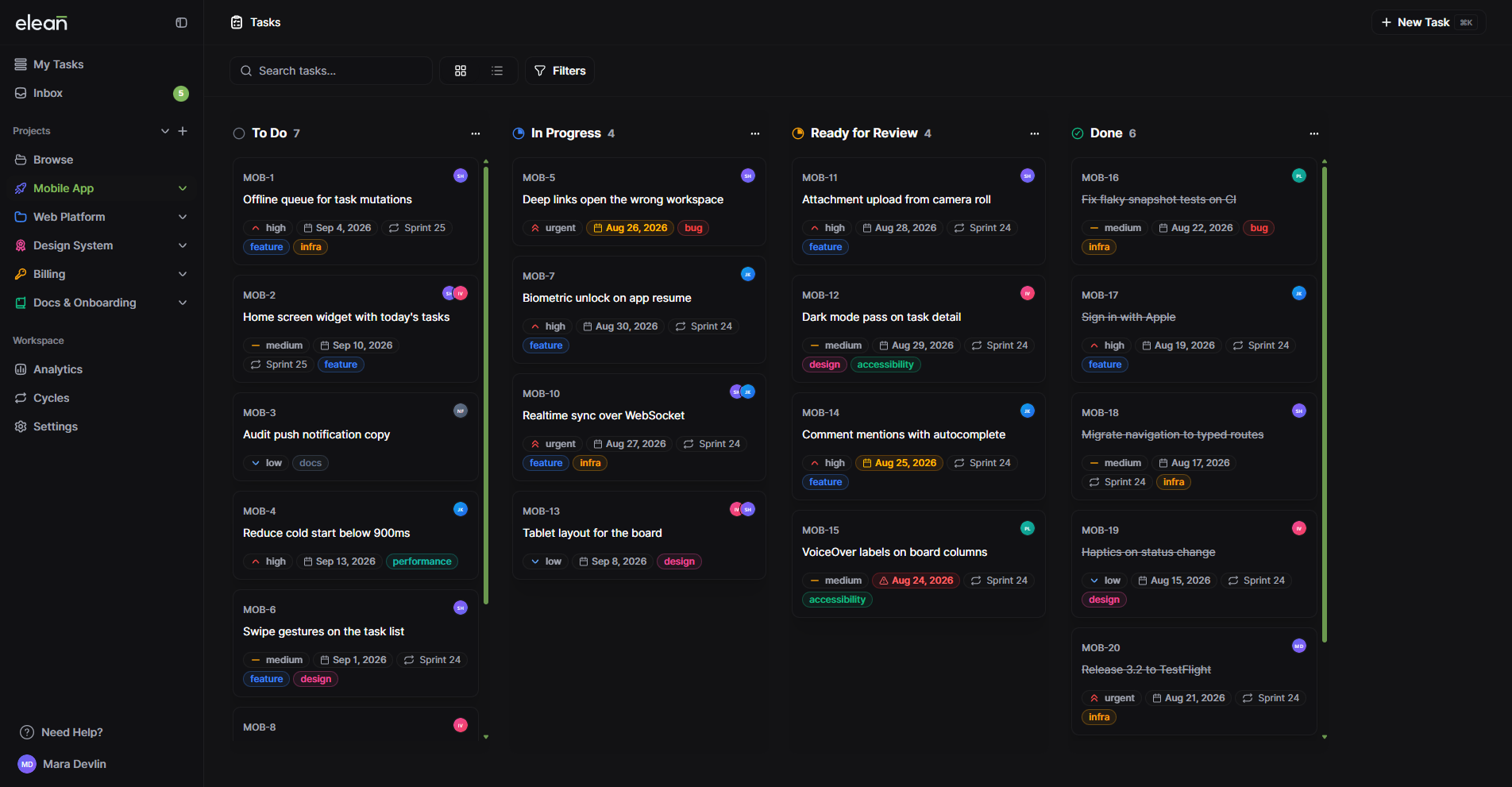
Linear vs Plane vs Elean for teams under 30
Three trackers for software teams, priced three different ways. What a team of 10, 15 or 25 pays on each, and when I'd tell you to pick one of the other two.

Mateusz Fajst· Founder of Elean
3 min read
If you’re picking a tracker for a small dev team, Linear and Plane are probably on your list. All three of us are building for the same kind of team: developers who want a board, cycles and a backlog, and don’t want to spend a week configuring Jira first.
On the surface they look alike. A task is a task. The differences show up in two places: how the bill grows when you hire, and how far each tool goes once you need more than the basics.
The bill
Linear and Plane charge per seat. We charge per plan, with members included, and $4 a month for each person past that. Here’s what that means in practice:
| Team size | Linear Basic | Plane Pro | Elean |
|---|---|---|---|
| 10 people | $100/mo | $60/mo | $0 (Free) |
| 15 people | $150/mo | $90/mo | $39/mo (Pro) |
| 25 people | $250/mo | $150/mo | $79/mo (Pro) |
Linear and Plane quote their per-seat prices billed annually, so that’s what I used. Ours is the monthly price.
If you’re ten people or fewer, you might not pay anyone yet. But the free plans run out in different places, and it’s worth knowing where:
- Linear Free lets everyone in, but caps you at 2 teams and 250 issues. A busy team of ten gets through 250 issues in a few weeks.
- Plane Free is up to 12 users.
- Elean Free is up to 10 members, with no limit on tasks.
When I’d point you to Linear
Linear is the most polished of the three, and I mean that. If your team lives in a structured triage process, with SLAs and requests coming in from Zendesk or Intercom, Linear has that on its Business plan. It also has AI coding agents that pick up issues inside the tracker, which Elean doesn’t.
Two things are worth knowing before you choose it for a small team. Insights (the reporting) is on Business, at $16 per user. And every issue has exactly one assignee. That’s a deliberate choice on their side, and it’s fine until the work really is shared.
When I’d point you to Plane
Plane is open source. If you want to run it on your own servers, or you’re somewhere that needs an air-gapped install, that settles it. Plane also does more than tracking: Pages on every plan, a wiki, custom properties and time tracking on Pro.
The catch for small teams is that private projects are a Pro feature. On the free plan, every project is visible to everyone in the workspace.
Where Elean fits
We built Elean for teams of about 5 to 30, and that’s where it makes the most sense. You get one price you can predict, and the planning features aren’t split across tiers: cycles, Insights, private projects and multiple assignees are all on Free. There’s MCP if you want Claude or Cursor to read and update tasks, and your data stays in the EU.
What we don’t have yet: a wiki, custom fields, time tracking, self-hosting. If any of those is how your team works today, pick Plane or Linear. I’d rather you start with the right tool than switch twice.
So which one?
- Linear, if triage and AI agents in the tracker matter more to you than the per-seat bill.
- Plane, if you want to host it yourself, or you need docs and custom properties next to your tasks.
- Elean, if you’re under 30 people, want a flat monthly price, and want cycles, Insights and private projects without upgrading to get them.
The full feature lists are in Elean vs Linear and Elean vs Plane.
Prices from each tool's public pricing page, checked on October 29, 2026. They change — check the vendor's page before you decide.